
For nut butter, sauce, cheese and deli salad makers
Food traceability software for small food makers
TrackFinch is food traceability software that answers one question: who got this lot? Type one lot number, yours or your supplier's, and see every batch it went into and every customer who got it. Then hand the buyer, auditor or FDA the spreadsheet.
Free for the whole team. No card. Your records export whenever you want.
The lot
Roasted peanuts
Batches (jar lots)Shipments: store, order, jars
WO-0141
- Corner MarketOrder SO-104148 jars
- Valley Co-opOrder SO-104272 jars
WO-0144
- Main Street GrocerOrder SO-104336 jars
- Hillside DeliOrder SO-104424 jars
- Riverside Natural FoodsOrder SO-104560 jars
WO-0147
- Ridge CafeOrder SO-104624 jars
- Northside BakeryOrder SO-104796 jars
Balance for L261006-1
- Received
- 200 kg
- Consumed in production
- 178.2 kg
- Shipped
- 0
- Adjusted
- 0
- On hand
- 21.8 kg
- Variance
- 0
Nothing missing: 178.2 kg went into jars, 21.8 kg is still on the shelf. (Peanuts don't ship on their own, so Shipped is 0.)
Who got lot RP-3381? Two ways to find out
A recall notice from your peanut supplier lands on your desk. Or your buyer asks for a mock recall on one lot. Either way it's the same question: which jars had those peanuts in them, and who has them now?
Recall notice
Roasted peanuts, supplier lot RP-3381
Please identify every product made with this lot and every customer who received it.
Sample notice
The binder
Six lookups, in order
The receiving log
Find RP-3381. It came in on 2026-10-06: 8 cases, 200 kg.
Every batch sheet since then
Pull each one that used peanuts: 10/07, 10/09, 10/13.
Each batch's jar lot code
WO-0141, WO-0144, WO-0147
Invoices and packing slips
Every one with those codes: 7 orders, SO-1041 to SO-1047.
The customer list
A contact for each of the 7 stores.
What's left on the shelf
Count it: 21.8 kg. 200 in, 178.2 into jars. Nothing missing.
- Batches
- 3
- Customers
- 7
- On the shelf
- 21.8 kg
TrackFinch
One search, two downloads
L261006-1 · Roasted peanuts · its trace on one page
Trace spreadsheet
Every lot the peanuts touched: the 3 jar lots, dates, what's on hand.
Customer list
Each customer, contact, email, phone, order, ship date, lot and jars.
That's the whole list.
- Batches
- 3
- Customers
- 7
- On the shelf
- 21.8 kg
Example data
Same answer both ways. The binder gets there, and with 3 products and a dozen ingredients it's fine for a long time. Every batch you add is one more sheet in lookups 2 to 4. The search stays one search.
FSMA 204, straight from the FDA
Is your food on the FDA's traceability list?
The rule covers anyone who makes, processes, packs or holds a food on the FDA's Food Traceability List. For those foods, you keep extra lot records. Peanut butter is on it by name.
Not enforced before
July 20, 2028
The original date was January 20, 2026. Congress told the FDA not to enforce the rule before July 2028.
Grocers and auditors often ask for these records sooner.
Foods on the list include
- Nut buttersall types of tree nut and peanut butters
- Soft and fresh cheesescottage, chevre, cream cheese, ricotta
- Refrigerated ready-to-eat deli salads
- Shell eggs
- Fresh herbs
- Fresh leafy greens
- Fresh-cut produce
- Fresh melons
- Peppers
- Tomatoes
- Cucumbers
- Sprouts
- Tropical tree fruits
- Finfish and smoked finfish
- Crustaceans
- Bivalve shellfish
Those are the FDA's own names. The exact wording, and what each one covers, is on the FDA's Food Traceability List page.
What the rule asks you to keep
1. What you received
The delivery at the back door
2. What you made from it
The batch at the kettle
3. What you shipped
The order at the dock
Plus a written traceability plan
Yours, in writing
When the FDA asks
Your records go to the FDA within 24 hours of a request, or a reasonable time the FDA agrees to. In an outbreak, recall or other threat, it can ask for an electronic sortable spreadsheet within 24 hours.
Some businesses and foods are exempt. Read the FDA's final rule on traceability records to see where you stand; we can't rule on your case.
Where TrackFinch fits. It keeps the first three: what came in, what went into each batch, and what shipped, and hands them back as a sortable spreadsheet. Whatever food traceability system you use, binder or app, the written plan is still yours to write.
"Won't this slow us down?"
Back door, kettle, dock: where each record gets made
Fair worry. Here's the test for any food traceability software: does it ride on work your crew already does, or add a second job? In TrackFinch the phone takes the place of the pen at the back door. Each lot number is scanned or typed once, right there, and follows the cases from then on.
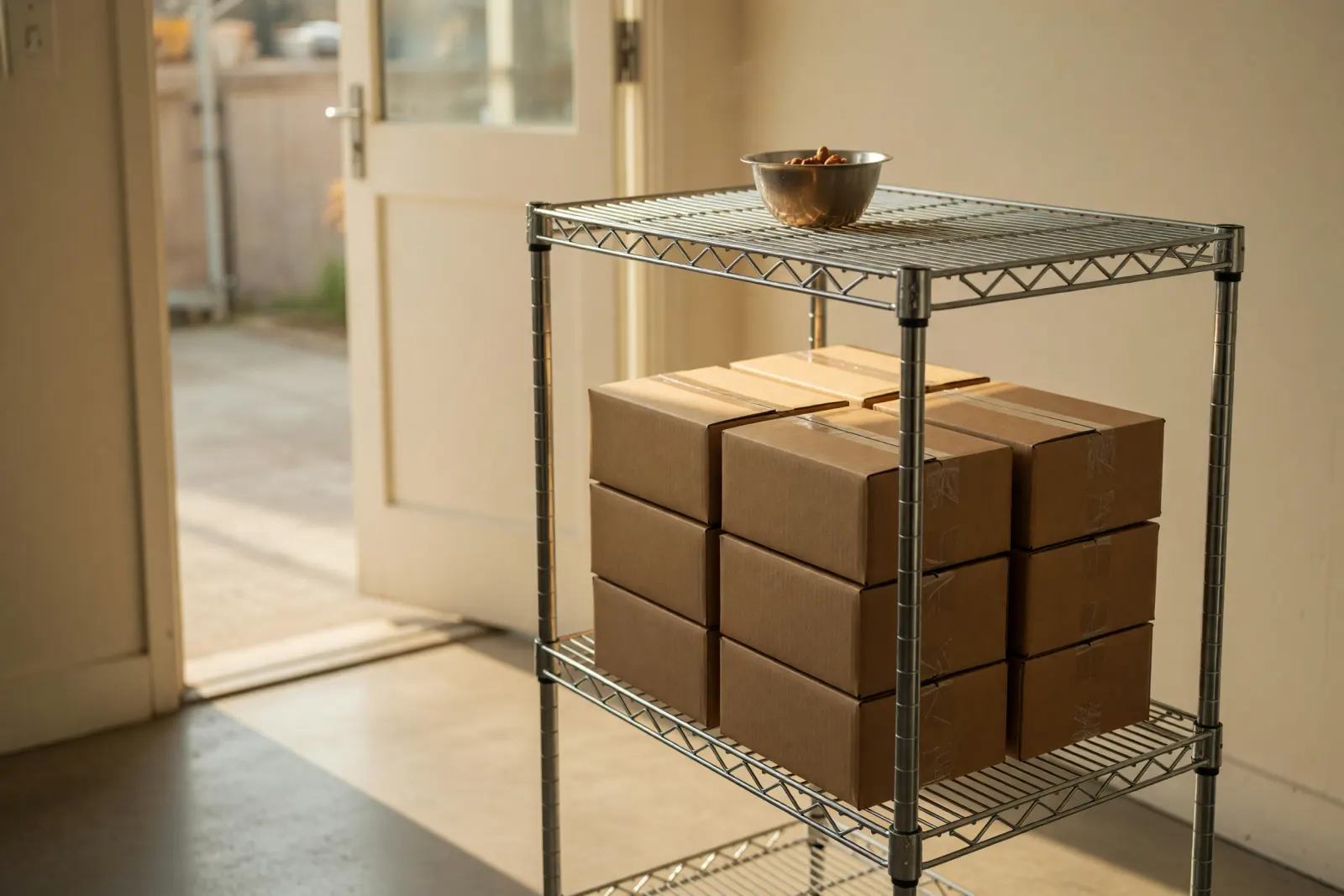
The back door
Your crewTakes in the delivery and scans a case label with a phone camera.
TrackFinch keepsA GS1 case label fills in the supplier lot and expiry. A plain barcode fills in the supplier lot. No barcode? Type it once. The cases get your own lot number with the supplier's beside it. No expiry on the label? The ingredient's shelf life sets it. An ingredient flagged "QC hold on receive" lands onhold until someone releases it.
Example data
RP-3381L261006-18 cases, 200 kgexpires 2027-04-04The kettle
Your crewMakes the batch, then marks it complete in TrackFinch.
TrackFinch keepsIt takes the peanuts and salt from released lots, first-expiring first, on its own. A lot on hold never gets used. Each batch gets a number in TrackFinch (WO-0144 in the example), and its jars carry that number as their lot code. Their labels print from the lot page.
Example data
L261006-159.4 kg+L260921-20.6 kgWO-0144120 jarsThe dock
Your crewEnters the order in TrackFinch and ships it. There's no link to QuickBooks or Shopify, so if your orders start there, each one gets entered in TrackFinch too: customer, product, jars. That's the one piece of extra typing, and it's what lets shipping record which lots left.
TrackFinch keepsThe order records which lots left on it. When the grocer asks for COAs, that order's packet is one button: every document attached to those lots, bundled together. Answering a distributor's whole supplier form? Here's TrackFinch as a food and beverage ERP.
Example data
SO-1043Main Street Grocer (sample)36 jars of lotWO-0144
Each lot number goes in once, at the back door, then follows the cases into the batch and onto the order. So when a supplier calls about RP-3381, the trail from the back door to the dock is already there.
Try it on one lot
Follow one lot forward, then back
This is the trace a binder can't give you in one sitting. Start at the peanuts and walk forward to every batch and every store that got jars. Flip it, start at one jar, and walk back to what went in it.
Where used: what it became
- L261006-1released
- WO-0141
- WO-0144
- WO-0147
Tap a store to light its path back to the batch and the peanuts.
Does the lot add up?
200 kg of peanuts came in the back door. 178.2 kg went into the kettle across three batches. 21.8 kg is still on the shelf. Nothing missing.
Balance · L261006-1
- Received / produced
- 200 kg
- Consumed in production
- 178.2 kg
- Shipped
- 0
- Adjusted / scrapped
- 0
- On hand
- 21.8 kg
- Variance
- 0
Shipped is 0 because the peanuts left inside the jars, not as peanuts.
Then hand it over
Two spreadsheets and a stack of letters, all from the lot page, for the buyer, the auditor or the FDA.
- The trace spreadsheetOne row per lot in the trace: lot, supplier lot, item, expiry, which batch, on hand, shipped.
- The customer list with contactsCustomer, contact, email, phone, order, ship date, lot and jars.
- The recall letters, ready to printA printout, not a spreadsheet: one letter per customer, with the reason and whether to hold, return or destroy.
Practice before the real call
Run a mock recall on a slow Tuesday
Your buyer's form asks when you last ran one. Don't wait for the day a real notice lands. Pick a quiet afternoon this week, get the people who'd do it for real, and practice on one lot you already know.
Pick the lot
Open the lot page for L261006-1 and start a drill. The supplier's lot, RP-3381, sits right next to it.
Name the scenario and who's taking part
Write what happened, like a recall notice from your peanut supplier, and who is in the room: owner, kitchen lead, shipping.
Work the trace while the clock runs
The clock starts with you. Walk forward to the batches and the stores, the same trace you just followed.
Hit Complete drill
It saves the drill and prints the report: time taken, lots reached, customers, shipments, what is on hand and whether the balance came out to 0.
Every drill stays on Reports and goes out in the full export, so it's there, with its date, when the next buyer form asks.
Mock Recall Exercise Report
Exercise
- Anchor lot
- L261006-1
- Supplier lot
- RP-3381
- Product
- Roasted peanuts
- Scenario
- Supplier recall notice on peanut lot RP-3381
- Participants
- Owner, kitchen lead, shipping
- Duration
- 26m 10s
Trace scope
- Lots reached
- 4
- peanuts + 3 batches
- Customers
- 7
- Shipments
- 7
- On hand
- 21.8 kg
Findings and corrective actions
Before you sign up
What TrackFinch won’t do for you
No food traceability software makes you FSMA 204 compliant, and this one doesn’t either. TrackFinch keeps the lot records and the trace. The rest of the job is still yours.
What it keeps
- Every lot you receive, with the supplier lot next to yours
- Which batches each lot went into, and which customers got them
- The trace, the balance and the drills, out as spreadsheets whenever you want
What it won’t do
- Make you FSMA 204 compliantThe written traceability plan is yours to write, and so is checking whether your foods are on the list.
- Run your food safety programNo HACCP plans, specs, sanitation logs or temperature logs. Keep those where they live now.
- Give your suppliers a portalLots come in at the back door when the delivery does, not through a supplier login.
- Connect to QuickBooks, Shopify or a buyer’s portalOrders get entered in TrackFinch. Spreadsheets in and out instead: your item list in from a CSV, every record out as spreadsheets.
Worth knowing on day one
The batch picks the lot
Completing a batch takes the first-expiring released lot automatically, and you can’t pick a different one. If there’s a case you don’t want used, put its lot on hold before the batch is completed. The batch always names the lot TrackFinch took, so check it against what the crew opened.
Jar lots use the batch number
Each batch’s jars get the batch number TrackFinch gives it as their lot code, like WO-0144. You can’t type your own lot code format for jars, and one batch makes one lot, so you can’t split a batch into two lot codes.
Traces start the day you do
Lots you receive from day one are traceable. Older lots stay in the binder, and that’s fine.
Needs a signal
It opens in the browser on any phone your crew already has. Nothing to install, and no offline mode, so the back door needs a signal.
If you want the same tool running the whole kitchen, from purchasing to work orders, start there. If you only want the lots, see every lot feature on one page.
Price and your records
Free, and the records stay yours
No quote to request and no call to book. Sign up, bring your team, and start with the next delivery.
Free for the whole kitchen
- All of it
- Everyone on the crew
- No card
It's free because what we need most from the kitchens using TrackFinch is feedback, not a card. Tell us what slows your back door down and that's what gets fixed. The pricing page spells out what free covers.
Your records leave whenever you want
If you ever stop using TrackFinch, your records go with you. In Settings, one click downloads every table as a zip of spreadsheets: items, lots, batches, orders, drills. Take it any time. It opens in whatever spreadsheet you already use.
Start this week in three steps
Import your item list
Bring it in from a spreadsheet (CSV), so nobody types your item list twice.
Mark the ingredients that carry lots
Flag the peanuts, the salt, anything with a lot code, and give each a shelf life. Expiry fills in when a label has none.
Scan in your next delivery
At the back door, on the phone. Scan the case label and the supplier lot goes in with no typing.
Nothing to pay, nobody to call.
Questions
Food traceability software questions
What a small food maker usually wants to know first, answered straight.
What is a food traceability system?
It’s the records that let you follow each lot from the delivery, into the batches it went into, out to the customers who got them, and back the other way. A binder, a spreadsheet or an app can all be one. What matters is how fast it answers “who got this lot?” when someone asks.
Is TrackFinch food safety traceability software?
Yes, for the lot side of food safety: lots, holds, traces forward and back, and mock recall drills you can save and print. It doesn’t write HACCP plans or keep sanitation and temperature logs, so keep those where they live now.
Will TrackFinch make me FSMA 204 compliant?
No, and no software can. TrackFinch keeps the records: what you received, what you made from it and what you shipped. The written traceability plan, and checking whether your foods are on the FDA’s list, are yours. The FDA won’t enforce the rule before July 20, 2028, though grocers and auditors often ask sooner.
Can I search by my supplier’s lot number?
Yes. The Lots search takes your own lot number, the supplier’s lot or the item name. In the example on this page, typing RP-3381 from the peanut case label finds your lot L261006-1.
What do I hand over when the FDA or a buyer asks?
Two spreadsheets and printable recall letters, all from the lot’s page. The trace has one row per lot: lot, supplier lot, item, status, expiry, where it came from, which batch, on hand and shipped; the customer list has customer, contact, email, phone, order, ship date, lot and quantity. It’s a sortable spreadsheet of your own lot records, not the FDA’s template, so check it against what the rule lists for your foods. The FDA’s rule asks for records within 24 hours of a request.
Does TrackFinch connect to QuickBooks or Shopify?
No. There’s no link to QuickBooks, Shopify or a buyer’s portal. You enter orders in TrackFinch itself, since that’s where shipping records which lots left. Your item list comes in from a spreadsheet (CSV), and your records go out as spreadsheets anyone can open.
What about the lots already in my binder?
Traces start the day you start receiving in TrackFinch, so there’s no back-filling. Keep the binder for older lots until they’re used up and shipped; it’s still your record for those.
Is this food traceability software really free?
Yes: every module, the whole team, no card. We’re building TrackFinch with the people using it, and their feedback is worth more to us than a card. Settings exports all your records as spreadsheets whenever you want them.
Runs on the same ledger.
Everything in TrackFinch shares one source of truth — start anywhere, the rest is already connected.
Trace your next delivery from the back door.
Scan in one delivery today. Make one batch with it, then type the lot and follow it through.
Free · Every module · No card needed