Packing run WO-0142
Hot sauce, case of 12
Recipe, per case
- Jalapeño mashfrom lot WO-01391.2L
- White vinegar0.57L
- 5 oz glass jar12jars
- Lid, 58 mm12lids
- Label, hot sauce12labels
- Shipping case, 121case
Makes lotWO-0142Best-by: run date + 365 days
 TrackFinch
For hot sauce, cold brew, kombucha and snack brands
TrackFinch is a food and beverage ERP for small food and drink brands. Recipes, batches and packing runs, a lot code and best-by on every case, oldest stock out first, and which customer got which lot, all in one place. Your books stay in QuickBooks: TrackFinch hands you a CSV file, not a sync.
Free. Every module, your whole team, no card.
The supplier form
The buyer said yes. Then the supplier form came: lot codes, holds, recalls, lab results. Here is the kind of thing it asks, with a plain answer and the TrackFinch screen that holds it.
A spreadsheet can answer it once. The trouble is every week, with new runs, new shipments and the same questions. TrackFinch keeps the records while the line works, so the answer is already there.
ExampleThe kind of questions a distributor or grocery buyer asks. Not a real retailer's form.
Yes. Every finished run gets its own lot code, plus a best-by worked out from the product's shelf life. Print a sheet of lot labels for the cases. Scan the QR code and it opens that lot.
In TrackFinchLotsWO-0098Print labels
Yes. Put any lot on hold. When an order ships or a run takes stock, TrackFinch passes over that lot until you release it.
In TrackFinchLotsWO-0141Hold
Yes. Search the supplier's lot number. TrackFinch follows it forward to every lot made from it and every order that shipped them, then hands you the customer list as a spreadsheet.
In TrackFinchLotsSupplier lotCustomer list (CSV)
Yes. When an order ships or a run takes stock, TrackFinch uses the released lots with the nearest best-by first.
In TrackFinchOrdersSO-1187Ship items
Yes. Attach the lab sheet to its lot. A shipped order downloads one zip file holding the files attached to each lot it carried.
In TrackFinchOrdersSO-1187Lab results (ZIP)
Yes. Start a timed mock recall from any lot. The printed report shows how long it took, every customer who got the lot and whether the counts balance.
In TrackFinchLotsMock recallPrint report
These are the records a form like this asks for, not a certification. For the recall side in depth, see food traceability software.
Start freeHow you make it
You make a base once and pack it into more than one product, each with its own bottles, caps and labels. Any food and beverage manufacturing software you look at should follow that without a workaround. Here it is in TrackFinch, on an example sauce brand.
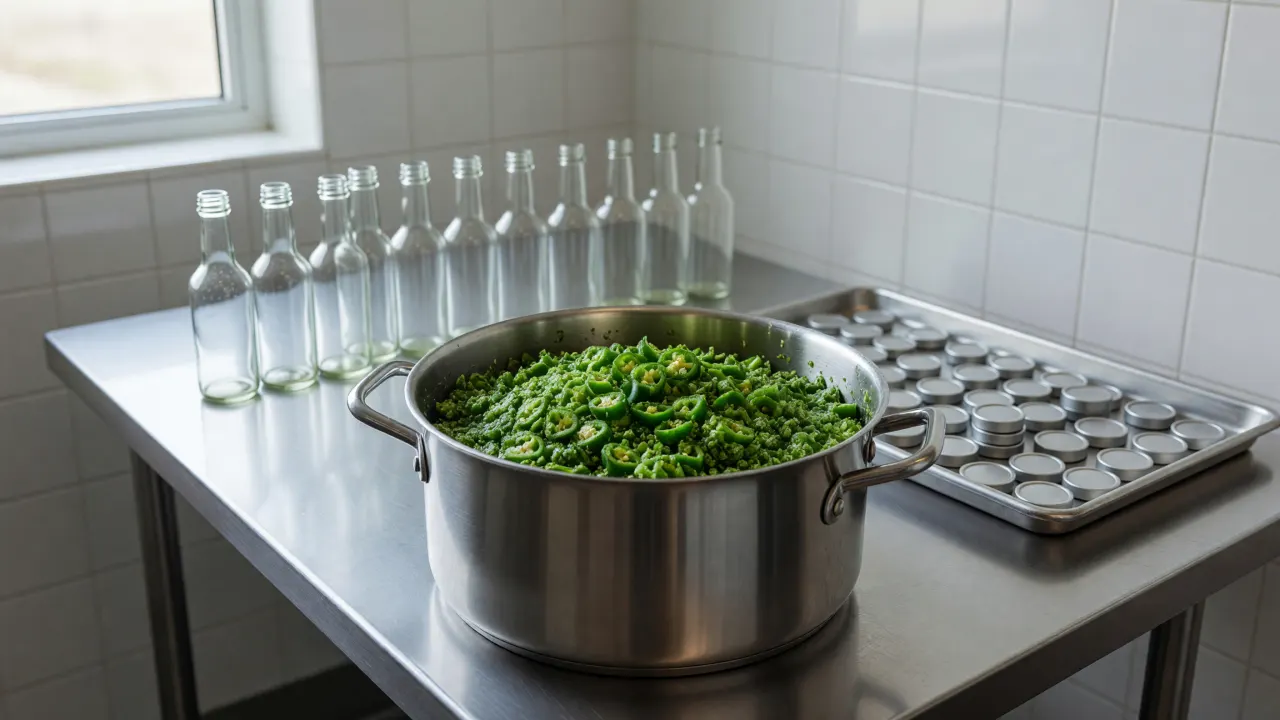
Make the jalapeño mash on its own work order. It gets a lot and a best-by, like anything you sell.
Mash and the other ingredients (vinegar, lime juice, syrup), plus jars or bottles, lids or caps, labels and cases. The run takes the mash lot with the nearest best-by and records every lot that went in.
It's numbered with the work order, with a best-by from that product's shelf life. That's the lot code on the case.
ExampleOne jalapeño mash, packed two ways. Made-up lots and dates.
Recipe, per case
Recipe, per case
Every item counts in the unit you work in, one unit per item: liters of mash, vinegar and lime juice, then jars, lids, labels and cases.
TrackFinch checks your open orders against your recipes and stock, and if you'll run short of lids or labels before the run, it lists what you're short and can start a draft purchase order for you in one tap.
Shelf life
Old cases shouldn't sit at the back while new ones ship. TrackFinch works through your lots in best-by order, so the oldest stock leaves first and every shipment knows its lots.
When you ship an order, TrackFinch takes cases from the released lot with the nearest best-by, then the next, and records which lots went. Runs do the same when they pull mash or any other ingredient.
Lots on hold, rejected or recalled are passed over. Release one and it's back in line.
A lot without a best-by is only picked after the dated ones.
On the Lots list, Expiring ≤30d shows what's due in the next 30 days and Expired shows what's already past its date.
TrackFinch won't stop a past-date lot by itself. Picking goes by best-by order, not today's date. Check Expired and put those lots on hold.
Shipping and paperwork
A buyer asks which lots were on their delivery, then asks for the lab sheets. In TrackFinch the order already knows, and the files are already on the lots.
When you ship, TrackFinch writes down which lots went out on every line. Who got lot WO-0098? Search it on Lots, and its page lists every customer and order that received it.
Attach the lab sheet or certificate to the lot it covers. On a shipped order, COA packet bundles the files from every lot it carried, a folder per lot, and tells you if none are attached yet. It packs what you uploaded. It doesn't write certificates.
Print a sheet of lot labels with the lot number, date and a QR code. Scan one with a phone and the lot opens: what went in, where it went and its files.
If you co-pack
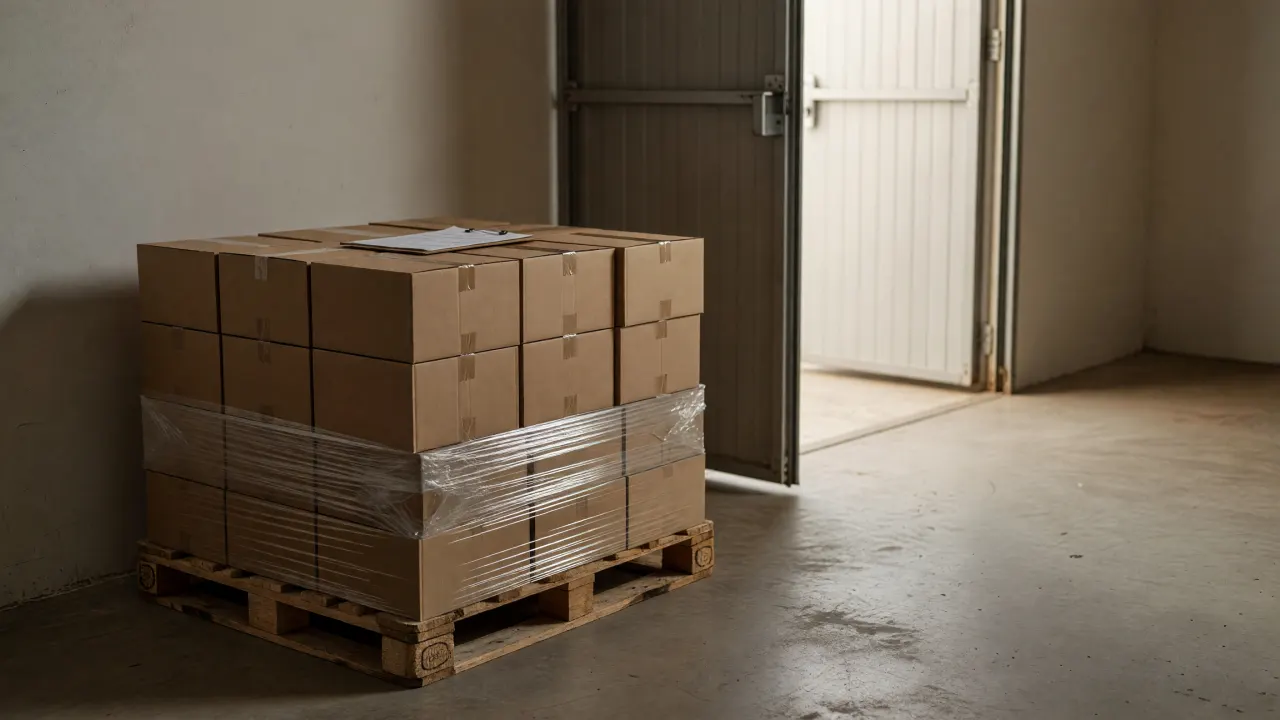
Set up each brand's products, and the ingredients they send you, as their own items. A run only pulls the items its recipe names, so one brand's supplied ingredients never land in another brand's run. Put each finished run on hold until the brand or the lab signs off, then release it. When it ships, send that brand the COA packet for its order.
Brands don't get their own login, and TrackFinch doesn't track stock as owned by a brand. Their own items keep it apart, and you send them the records: the packet, a trace, a customer list.
The honest comparison
If you're weighing TrackFinch against an ERP for food and beverage from one of the big suites, here is what you'd go without. Better you know now than after your first run.
Need one of these in the same system?One of the big suites is the right buy.
Need lots, best-by dates, recipes, runs and orders in one place?Start here.
Price, setup and the line
This is food and beverage software you set up yourself. Sign up and it's all there, free:
Why free? TrackFinch gets better from what brands tell us after real batches, so we want as many on it as we can get. Everyone who signs up gets all of it, and your records come out as CSV whenever you like. The full list of what's included is on the pricing page.
Point the camera at a lot label and the lot opens.
TrackFinch works in the browser on a phone, tablet or computer. The camera scans lot labels. There's nothing to install. It needs a connection, though: it doesn't work offline.
Three steps, and you can do them before the next batch goes in the pot.
Import your ingredients, packaging and products from a spreadsheet (CSV). Chiles, vinegar, jars, lids, labels, the hot sauce itself.
Jalapeño mash as its own batch. Then hot sauce, case of 12: mash, vinegar, jars, lids, labels and the case.
Plan the work order, start it, complete it. The cases come out with a lot code and a best-by.
Your data comes out as CSV whenever you like.
Before you sign up
It's the production, lot and order side of one: recipes, runs, lots, stock and orders in one system, the same side TrackFinch offers any maker as an ERP for small manufacturers. It doesn't do accounting, invoicing or payroll, so your books stay in your accounting software (here's how MRP and ERP differ).
No food and beverage ERP software can do that on its own. TrackFinch keeps the lot records and the trace a records request asks for; whether the rule covers you, and what your food safety plan needs, is for you and your advisor to settle.
No, there's no sync with either. Orders are entered in TrackFinch, and each one records which lots it shipped. What comes out is CSV: reports such as Stock valuation and Open orders for your bookkeeper or your store, and an admin can download the whole workspace as CSV files any time.
Yes. Set up each brand's products, and the ingredients each brand supplies, as their own items so their stock stays apart. Brands don't get a login of their own.
No. Add every product you make, every lot you run and everyone on the line.
It handles the recipes, batches and lots, but not TTB reporting, kegs or tank levels. The breweries and distilleries page sets out what fits.
Set up one base and the product it goes into, then log one run. The next time a buyer asks which lot went where, it's one search.
No demo and no quote. It's a food and beverage ERP you start on yourself, today.
Free · Every module · No card