Pieces in three places at once
Juniper & Co. emails that two rings sold. Which two, and how many are still in their case? Your sheet knows what you made, not where it went.
 TrackFinch
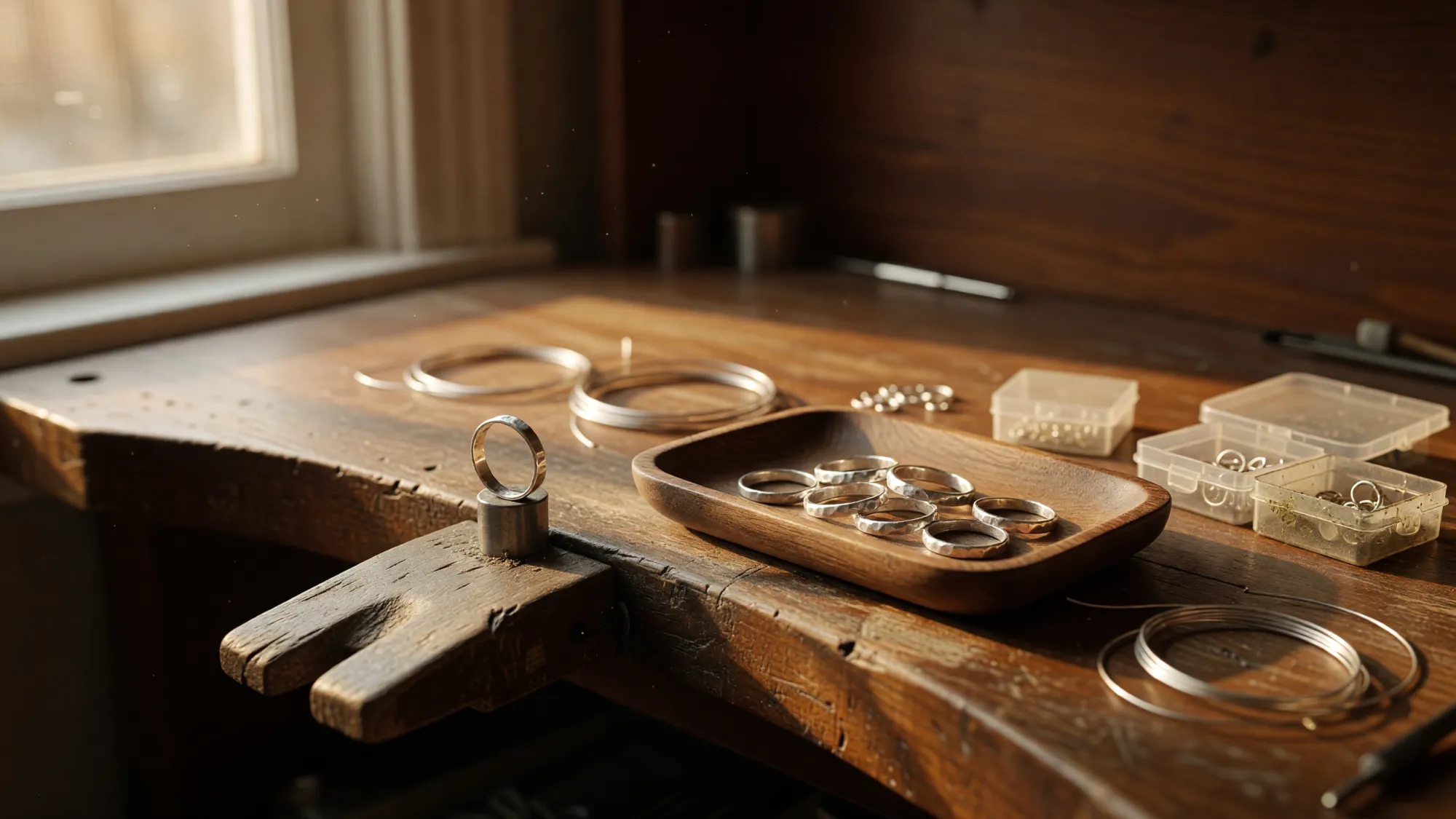
Jewelry inventory software for people who make what they sell, not for a store counter. Count your metal, stones and findings, see what each design costs to make, and know where every finished piece sits: the studio, the market box or each boutique you sell through.
Free · Every module · No card
Your spreadsheet
A spreadsheet runs a jewelry business fine for a while. Twenty designs, one table, one place you sell, and you know every row by heart. Keep it as long as it keeps up.
It starts to slip at moments like these.
Juniper & Co. emails that two rings sold. Which two, and how many are still in their case? Your sheet knows what you made, not where it went.
Sunday night you unpack the market box. Nobody counted what went out on Friday, so you can’t tell what sold from what slipped into the wrong tray.
The cell said plenty. The drawer says otherwise, and every pendant on the list needs one before Saturday.
Silver moved. The moonstone pendant takes sterling sheet, a stone, a jump ring, chain and a clasp, and the sum lives in a formula nobody wants to touch.
None of that means the spreadsheet was wrong. It means the business outgrew one table. From here, jewelry inventory management has to know where each piece is, not just how many you made.
Make something other than jewelry? See TrackFinch for makers.
Locations
Make the studio, the market box and every boutique a location. Each design then shows how many you have and exactly where they are, and moving or counting pieces keeps it true.
The studio, the market box, each boutique you consign to. Every design shows on hand by location: 19 rings in the studio, 6 in the market box, none at Juniper & Co. yet.
You drop 10 rings at Juniper & Co. and record a transfer. The studio shows 9, the boutique 10, and you still have 25. It’s logged as Transfer from and Transfer to.
Weeks later you count the case at Juniper & Co. and find 8. Now you know 2 sold and 23 are left. Do the same when the market box comes back.
What it doesn’t do: TrackFinch tells you what you left where and what’s still there. It doesn’t settle consignment accounts or bill the boutique. Keep doing that the way you do now.
Materials
Every material you buy is an item with its own count and its own unit. Set a reorder point and you find out you’re low on jump rings while there’s still time to order them.
Sterling wire and sheet count in grams, stones and jump rings by the each, chain by the centimetre. Add a photo to each item and the list shows a thumbnail, so you see what it is, not just a SKU.
Give findings and stones a reorder point. Anything under it shows up on the Planning page with a Draft PO button, so the order to your stone supplier starts there, not the night before a market.
Receive a purchase order and the item’s unit cost updates to a weighted average of what you paid. When silver moves, your cost per gram moves with your own receipts.
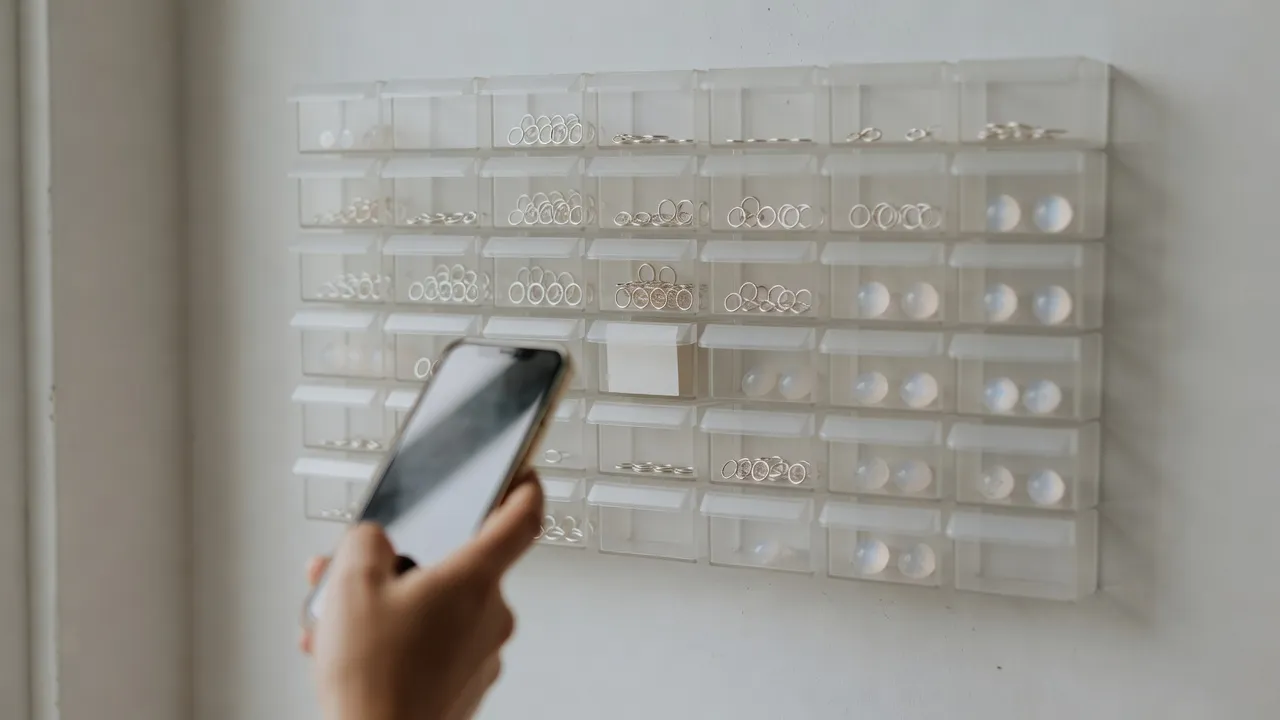
Turn on lots for a stone and each parcel keeps your supplier’s lot number, with their paperwork attached to it.
Print QR labels on Avery 5160 or 5163 sheets, each with the QR, the item name and the SKU. Point your phone’s camera at a drawer and the item opens.
This is the materials side of TrackFinch’s manufacturing inventory software, set up with a jeweler’s units.
Costing
Silver, a stone, a few findings and 22 minutes at the bench. Write it down once as the design’s recipe, and TrackFinch does the sums every time you price it.
In TrackFinch it’s a bill of materials: 4 g sterling sheet, 1 moonstone, 1 jump ring, 45 cm chain and 1 clasp, plus a scrap % on the metal for filings and offcuts. It rolls up the material cost from what you paid.
List the steps with minutes per piece. This pendant has two: Solder bezel, then Set stone and polish. Set your bench’s hourly rate once. The recipe stays materials only; bench time is priced on the quote.
For a custom piece or a wholesale order, a quote prices materials plus bench time, then adds the percentage you choose. Adding 100% is keystone; try other numbers in the markup calculator.
Put a sell price on the design too, and its item page shows the margin beside the cost.
Production
When a boutique orders wholesale, you make a run. TrackFinch is jewelry manufacturing software at studio size: twenty rings at your bench, not a casting house. Finish the run and your counts catch up without a second spreadsheet.
Work order WO-0217 makes 20 hammered stacking rings at 3 g of sterling wire each. Mark it complete and TrackFinch takes the 60 g of wire out of stock and puts the 20 rings in the Studio.
Finished pieces land in your first location, here the Studio. From there, a transfer moves them to the market box or a boutique.
Planning reads your open orders through each design’s recipe, then nets them against stock, sent purchase orders and open work orders. Larkspur Goods wants 24 moonstone pendants and you have 11: make 13. Those need 13 moonstones and you have 4: order 9. More on how production planning works.
Price and setup
You shouldn’t need a demo call to find out the price. Here it is: TrackFinch is jewelry inventory software free to use, with nothing held back. What free covers in TrackFinch’s inventory software is laid out line by line against the usual free plan.
From the TrackFinch pricing page, as it stands.
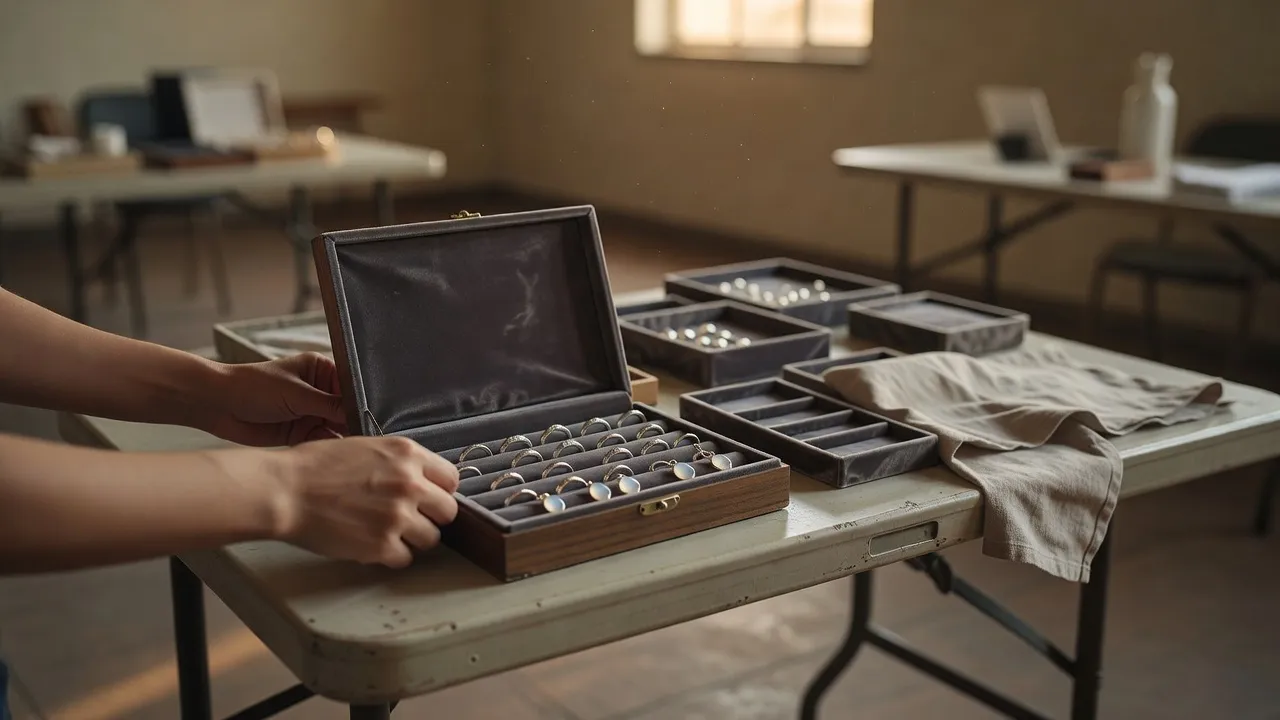
Four steps, from your spreadsheet to counts you trust.
Make your account and invite whoever works the bench or the booth with you.
Save your spreadsheet as a CSV with these columns. The import brings your items in; the counts come next.
Run a cycle count at each location (the Studio, the market box, each boutique) to put your stock in.
One photo per item, so the Items list shows you which ring is which at a glance.
Runs in the browser on your computer or your phone. Nothing to install, no demo to book.
Honest edges
A lot of jewelry inventory software is built for the store counter. TrackFinch is built for the bench. Here’s what it doesn’t do, so you can decide now instead of three weeks in.
A store counter wants store software. TrackFinch isn’t it.
No register, point of sale or payments
TrackFinch doesn’t ring up a sale or take a card.
No appraisals or repair intake
There’s nowhere to write up an appraisal or log a customer’s ring in for repair.
No gold or silver spot prices
Metal is costed at what you paid for it, updated when you receive a purchase order. It doesn’t follow the market.
Each one has a plain way around it.
No Etsy, Shopify or QuickBooks sync
It’s CSV in and out: your items come in from a CSV, and reports and a full export of your data go out. Nothing talks to your shop or your books on its own. If marketplace order sync is the main thing you need, read how TrackFinch compares with Craftybase, including what Craftybase does well.
Whole-number counts
Stock counts are whole numbers, so track metal in grams and chain in centimetres: 240 g of sterling wire, 900 cm of cable chain.
No karat, carat or grading fields
Put the karat, the carat weight or the stone’s grade in the item’s name or description.
No ring-size variants
Each size is its own item, with its own SKU and its own count.
No consignment settlement or invoices
Make each boutique a location and you see what’s sitting there. Settling up and invoicing the boutique stays with however you do it now.
Missing something you need? The Request / Report button in the app goes straight to the team.
Questions
The things makers ask before they move a spreadsheet over, answered in two or three plain sentences each.
For makers. TrackFinch is built for small studios and brands that make their own designs, from the metal and findings on the shelf to the finished pieces at each boutique. There’s no register, point of sale or payments, so a store counter will want something else.
No. TrackFinch doesn’t connect to Etsy, Shopify or any other shop. Your items come in from a CSV file, and reports and a full export of your data go out as CSV.
A one-of-a-kind piece is its own item, with its own SKU and a photo that shows in your Items list. For a design you make in runs, turn on per-unit serials: each piece finished on a work order gets a number like RNG-014-2610-0001, listed on the item page. TrackFinch makes the numbers, so you can’t type or import your own.
Yes. Set the item’s unit to grams: 240 g of sterling wire on the shelf, 3 g of it in each RNG-014. Stock counts are whole numbers, so count and use metal in whole grams.
Make each boutique a location, like Juniper & Co. or Larkspur Goods. Transfer pieces there when you drop them off, and count them when you visit to see what’s left. TrackFinch doesn’t settle up or invoice the boutique; that part stays with you.
TrackFinch is being built with its first shops, and right now your feedback is worth more to the team than your card. You get every module and the whole team with no card, and you can export your data to CSV any time. If that sounds fair, start free this afternoon.
Set up your jewelry inventory software this afternoon: add your metal, stones and findings, one design and your locations. The next time a boutique asks what it has, search the design and see where every piece sits.
Free · Every module · No card